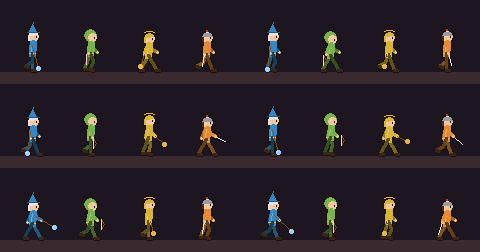
Pixel-art heroes
Four heroes drawn in whole-pixel blocks, each in its own colour. They walk, attack, cast spells, sit and dance, all with the same animation skeleton.

Something went wrong with the install. The technical record is below; send this text to whoever is helping.
Plug in your FM1, or MIDI keyboard, by USB and click Connect MIDI.
The 3D model answers your instrument.
It also works with your keyboard, mouse and touch ;)
Hover over any control on the model:
the balloon shows what it does and, in its top-right corner, the keyboard shortcut.
The balloons and buttons of the model follow the page language:
the texts inside the device's screen still appear in English or Portuguese.
Your groovebox as a pixel-art RPG. The four tracks are four heroes, every lit step is an attack, the tempo sets how fast the party walks, the key picks the biome and recording a loop is a boss fight. Every SLOOP function stays where it was, with the same controls.
A summary of everything that changed, with a picture of each novelty.
 Mage
Mage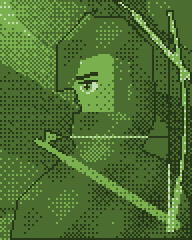 Archer
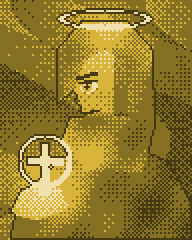 Cleric
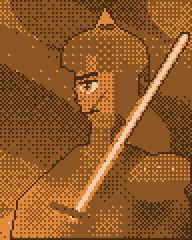 Warrior
Four heroes drawn in whole-pixel blocks, each in its own colour. They walk, attack, cast spells, sit and dance, all with the same animation skeleton.
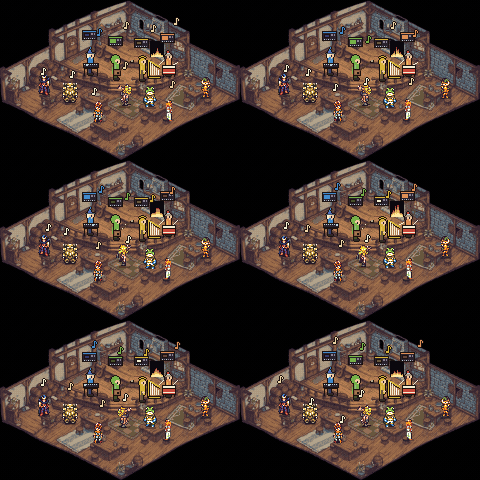
The menu is now a tavern: the four heroes play on stage, each with a tiny FM-1 in its own colour blinking to the beat. The regulars dance and the fireplace pulses with the music. With no music, the party goes on. Tap HOME to go back to the game; hold it to open the menu.
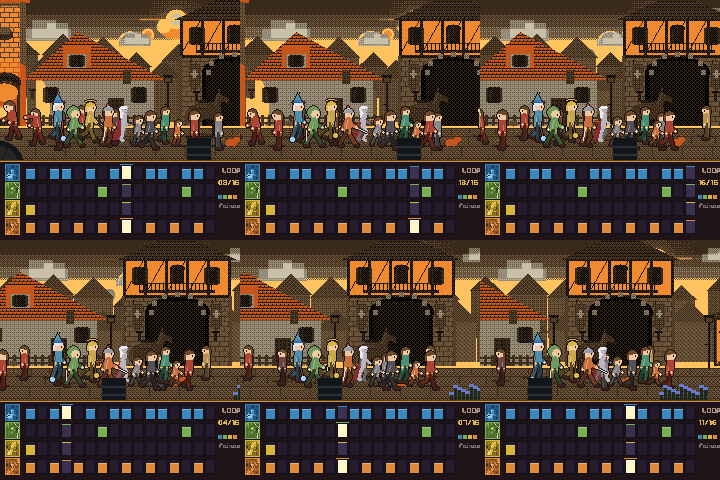
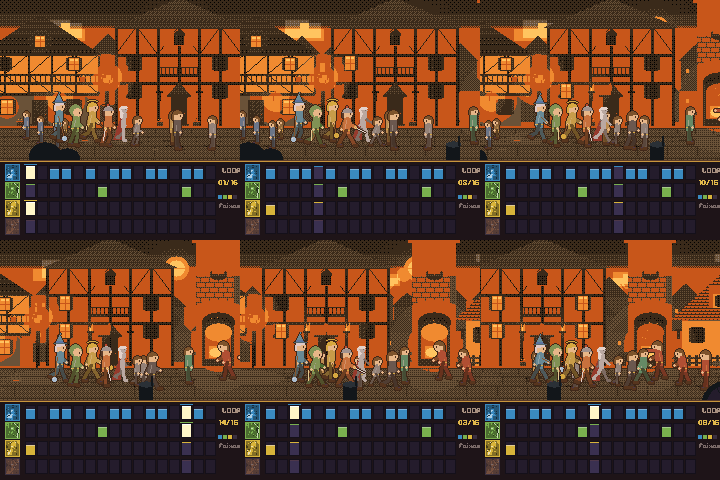
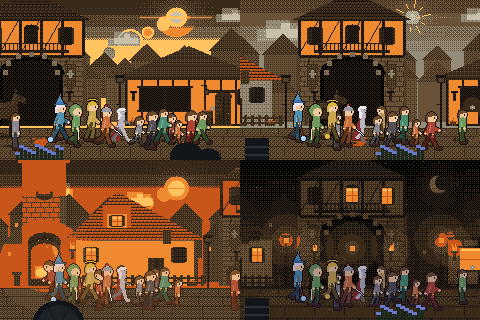
The adventure starts in the village, and the hour changes every time you switch the device on: dawn and sunset are the favourites, but it can also be afternoon or night. At dawn the sun rises behind the houses with circles of light; in the afternoon the sun shines and everything is lit; at sunset the torches light up as the party walks past; at night a crescent moon appears. While the party walks, the music starts: four rows of blocks, one for each hero, build the loop. After a few seconds (5 to 60, adjustable in the Settings menu) the party goes on by itself into the forest, where it fights slimes and bats.
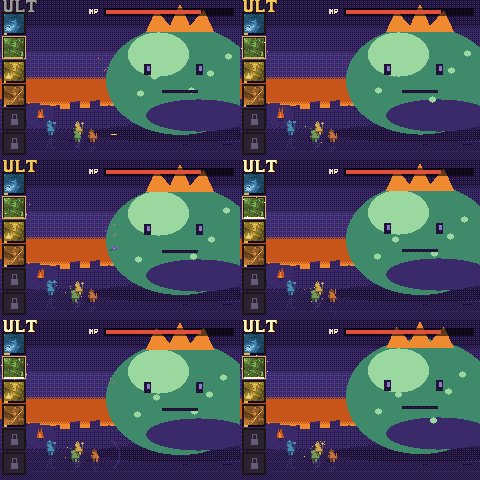
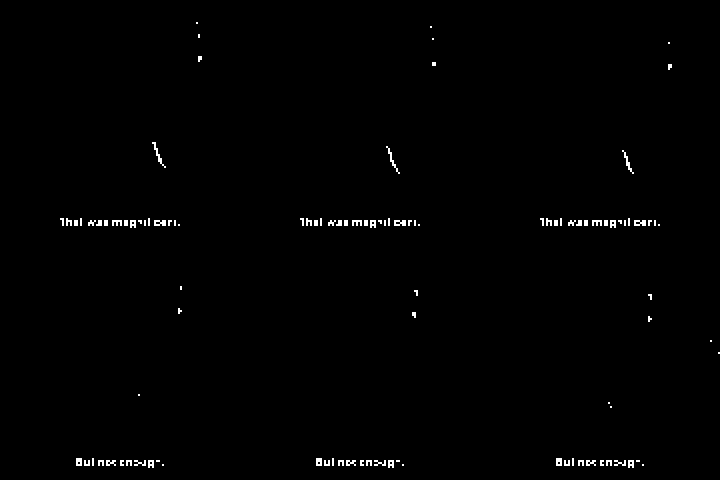
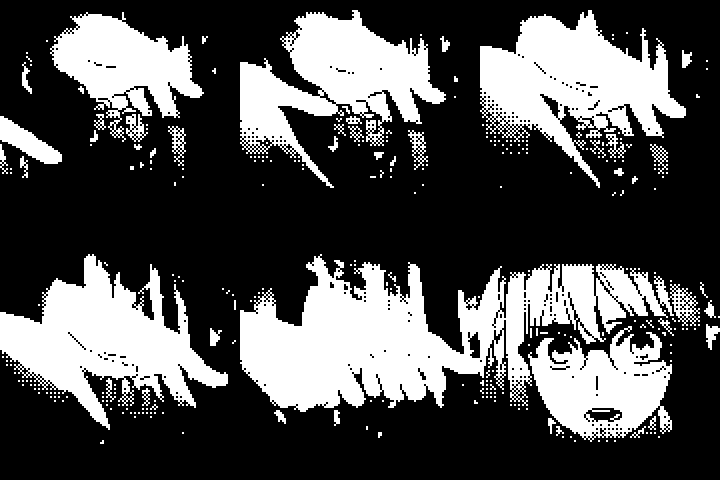
Recording a loop is a boss fight. The heroes' faces sit at the side, each with a bar that fills while you record. When you release REC, the hero in front unleashes the final strike full screen, in black and white with heavy dither, picture only, no sound. Here, the first 3 seconds of each:


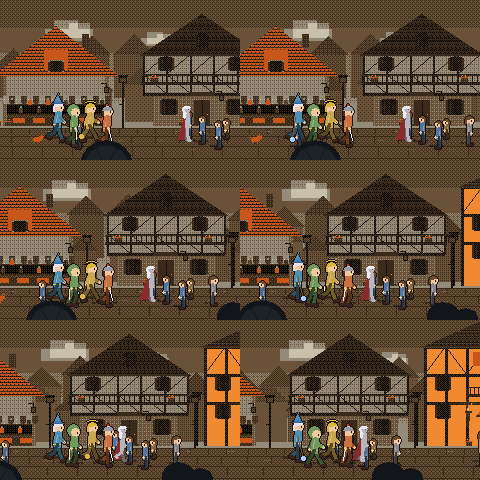
The opening is a sequence of scenes with depth layers: tavern, quest board, exit, village, hill, the party's walk and the fight.
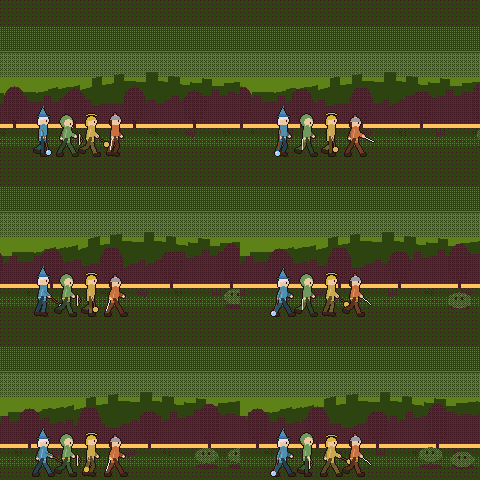
The party walks to the tempo of the music, and the scenery changes with the key you choose.
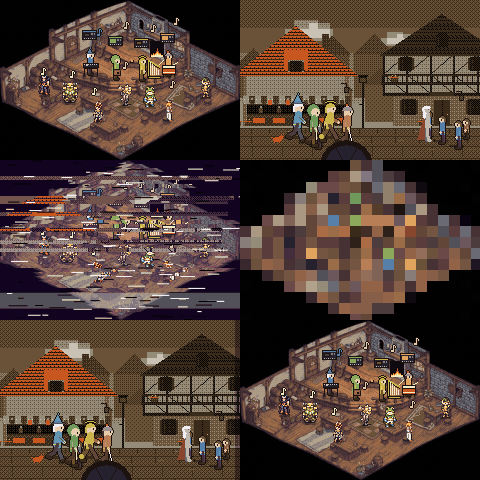
Twelve transitions made only of pixels, such as iris, TV turning on, VHS, pixelate and slide, with a fast start and a soft end.
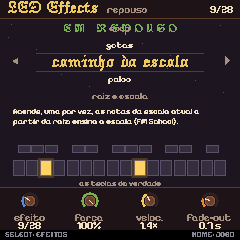
28 LED effects, all in the same yellow, with brightness, blink and a soft fade-out. Turn the SELECT knob to browse the list and watch the effect on the keys. At power-on, the lights sweep the keyboard along with the opening sound.
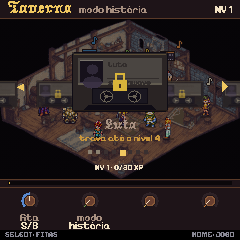
Tapes with songs that unlock as you level up. Playing, recording loops and beating bosses earns XP.
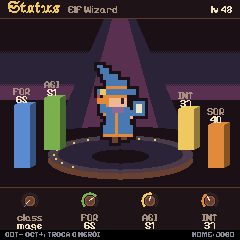
Each hero's sheet shows strength, agility, intelligence and luck, and OCT− and OCT+ switch heroes. Every screen got a discreet footer with button hints, and the 3D simulator became the default.
Connect the FM-1 by USB and click Install on FM1 at the top of the page (or the button below). Chrome or Edge only (Web MIDI), on a page opened over https.
Do not unplug the USB cable while writing.
Connect the USB cable directly to the computer. No probe or Transporter is needed.
FM1 Quest is an experimental custom firmware and may be unstable. It has not been tried on every unit. The authors accept no responsibility if your FM-1 is damaged or misbehaves because of it. Use it at your own risk, and save a backup first.
If an install fails and the FM-1 no longer starts, recovering it needs a Transporter: FM-1-transporter. Hold OCT− alone while switching the FM-1 on for the USB rescue.
Download the official FM-1 V15 from M-VAVE and select the FM-1.fwsc inside it, unmodified. The file is checked in this browser; it is not sent anywhere.
The official firmware cannot open FM1 Quest music, projects or samples. Save a backup with the editor first (Projects → Backup); reinstall FM1 Quest and restore it from the editor whenever you want them back.
M-VAVE's own updater, M-UPGRADE (Downloads → PC Software), works too. If it does not find the FM-1, close every other app and browser tab that uses MIDI.